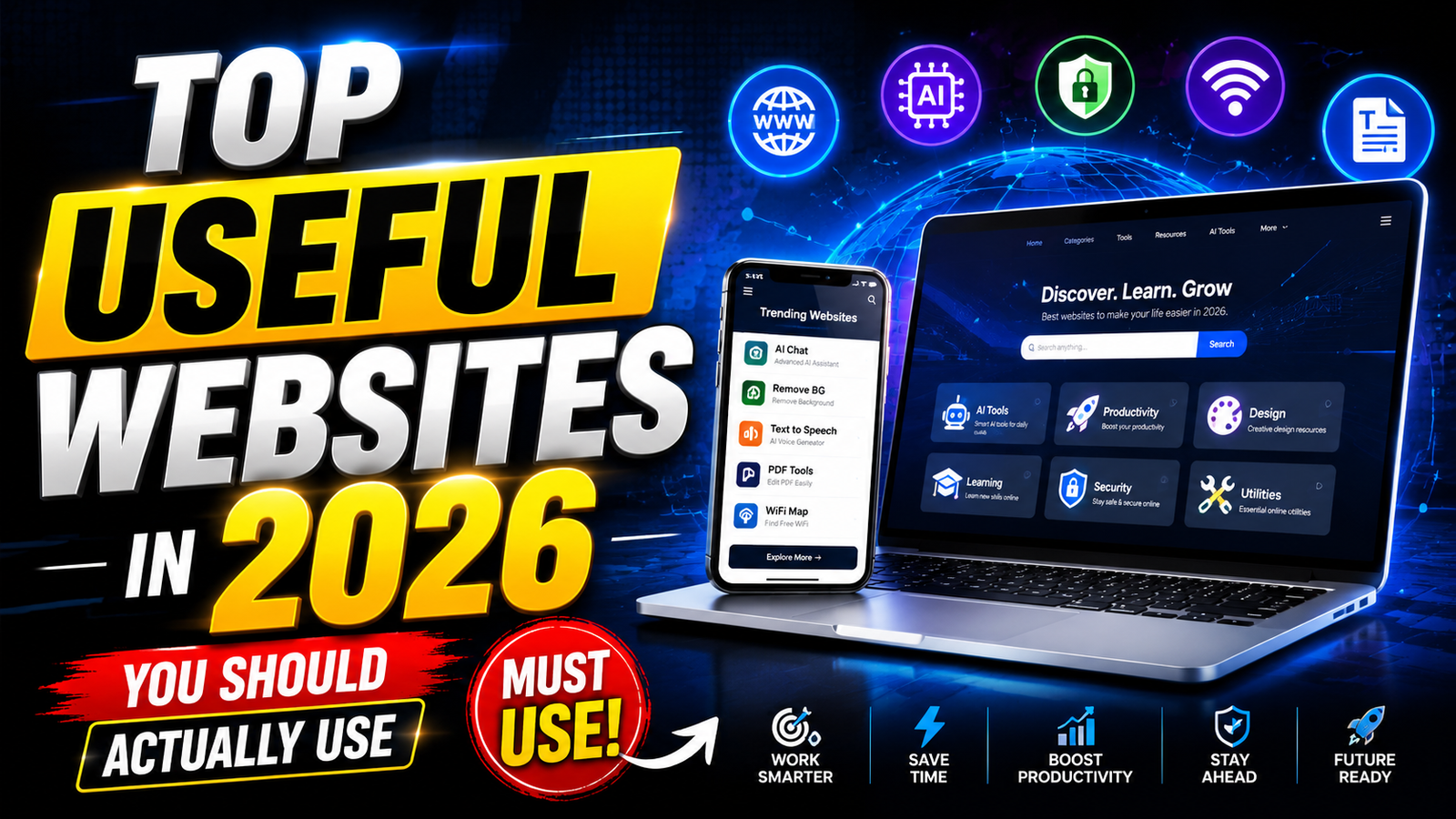
Hello friends, today we are going to look at some top useful websites in 2026 that can really save your time and energy. Many people keep installing new apps, but forget that some of the most powerful tools still live in the browser and work on any device.
This article will help you pick a small set of trusted websites for daily life, study, business, and side projects. Instead of a random long list, you will see focused choices, clear pros and cons, and specific examples of when each site is worth opening.
The guide is for normal users, students, freelancers, small business owners, and anyone who feels lost between too many apps and tools. You do not need to be a programmer or heavy tech user, you just need a browser and some patience to set things up once.
Each website below is selected for 2026, is widely used or backed by a serious company, and has a free tier or trial. You will also see a short comparison table so you can match the right tool to your real problem instead of just following hype.
Quick comparison of the top useful websites in 2026
| Website | Main use | Best for | Key strength | Key caution |
|---|---|---|---|---|
| Notion | Notes, tasks, team wiki | Students, teams, creators | All in one workspace with templates | Can feel complex at the start |
| Google Drive | Cloud storage and docs | Anyone with files and backups | Strong integration with Gmail and Android | Storage can fill quickly on free plan |
| Bitwarden | Password manager | Everyone with many logins | Secure vault with generous free tier | You must protect the master password |
| Wise | Global money transfers | Remote workers and families abroad | Transparent fees and mid market rates | Not a full bank in every region |
| Khan Academy | Free learning | School and college students | Structured courses and practice | Requires stable internet for video |
| ChatGPT Web | AI writing and help | Writers, coders, learners | Fast drafts and idea support | Needs fact checking and editing |
| Canva | Online design | Small brands and content creators | Ready templates for social and print | Some assets locked behind paid plan |
| Have I Been Pwned | Data breach check | All internet users | Simple email breach lookup | Shows exposure, not full solution |
1. Notion, your central brain for notes, tasks, and projects
Notion has become one of the most useful websites in 2026 for people who want one place for notes, to do lists, and small team projects. You open it in the browser, create pages, and then turn those pages into databases, boards, calendars, or simple documents.
A common mistake is to start with a very complex setup from random templates. A better workflow is to create three main pages, Today, Projects, and Archive. Use Today as your dashboard with a simple task list and quick links to your ongoing project pages.

Real world example, a content creator can keep a database of video ideas with fields like title, platform, status, and deadline. The same database can be viewed as a calendar when planning a weekly posting schedule.
Notion has a free plan that is enough for solo users. Be careful with sensitive personal data, such as ID copies or passwords. Keep those in a dedicated password manager instead of in notes.
2. Google Drive, storage and documents that follow you everywhere
Google Drive stays one of the first sites you should set up on any new phone or laptop in 2026. It gives you free online storage tied to your Google account, along with Docs, Sheets, and Slides in the browser.
Case study style example, a small home bakery can run almost everything from Google Drive. Orders in a shared Sheet, menu and pricing in a Doc, and photos in folders by month. Staff can access from different phones without installing heavy tools.
The main friction point is storage limits. Free accounts fill up quickly because Drive, Gmail, and Google Photos share space. Once a month, sort by file size and delete old backups or large unused videos. Avoid storing media that you never plan to open again.
For privacy, double check that personal documents are set to private and not set to shared with link. This is a common mistake during quick sharing, and many people forget to switch back.
3. Bitwarden, safer passwords in one secure vault
Bitwarden is a trusted password manager that runs well as a website and browser extension, which makes it very practical in 2026 when every service pushes you to create an account.
Instead of repeating one password everywhere, you generate long random passwords and let Bitwarden remember them. The only thing you need to protect is your master password and the email used for your vault.
A typical setup flow is, create your Bitwarden account on the web, install the browser extension, and import passwords from your browser or old manager. Then turn off password saving in the browser so new logins go only to Bitwarden.
Be aware that if you forget the master password, recovery can be hard or impossible by design. Write it in a secure offline place once, such as a paper note in a personal folder, and update that if you change it.
4. Wise, cleaner international payments for 2026
Wise remains one of the most practical websites in 2026 for anyone who receives or sends money across borders. Freelancers paid in foreign currency, remote workers, and families who support relatives in other countries use it to reduce hidden bank fees.
Wise shows the real mid market exchange rate and a clear fee before you send. You can also hold balances in multiple currencies in many regions, which helps if you get paid in one currency but spend in another.
Common mistake, some users treat Wise like a full bank and move all savings there. It is safer to use it for transfers and day to day balances, and keep long term savings in regulated local institutions that match your country rules.
Always check whether Wise supports your country for sending and receiving before planning a contract around it, as coverage can change over time.
5. Khan Academy, free learning that still matters in 2026
Khan Academy continues to be one of the most useful study websites. Students from school level to early college use it to understand math, science, and many other subjects with short videos and practice questions.
Real world example, a student preparing for standardized math exams can follow the recommended course path, answer daily practice problems, and receive instant feedback. Parents can also set up coach accounts to track progress without sitting next to the child all day.
A friction point is the need for constant internet for smooth video playback. If your connection is weak, plan fixed times near a better network, for example in a library or campus lab, and focus on watching lessons first then offline practice later with notes.
Always combine Khan Academy with your official syllabus. Use it to strengthen weak topics, not replace required homework unless your teacher suggests that workflow.
6. ChatGPT web, AI help for writing, code, and planning
The ChatGPT website is one of the most talked about tools in 2026. It helps with drafts, explanations, code hints, language practice, and basic research support. You type a prompt in the browser, and get a fast text answer.
One realistic use case, a freelancer writing blog content can ask ChatGPT for headline ideas, outline suggestions, and alternative wordings. The final article still needs human checking, original examples, and fact verification from trusted sources.
A big mistake is to copy responses directly into public work without editing or checking for accuracy. Dates, prices, and policy details can be outdated or region specific, and you are responsible for the final information you publish.
Never paste passwords, full ID numbers, or confidential company details into any AI site. Treat it as a public writing helper, not a secure channel for secrets.
7. Canva, quick designs for posts, flyers, and branding
Canva stays a go to design website in 2026, especially for small businesses, students, and creators who are not professional designers. You choose a template, edit text and images in the browser, and export in different formats.
Case study example, a local gym can run its full basic branding from Canva. Social media posts, timetable posters for the wall, simple logo variants, and seasonal offers. Staff can share designs through links and keep a consistent style.
Some assets and premium templates require a paid plan, so new users should filter for free items when starting. Also, check printing sizes carefully when you create flyers or business cards. Wrong dimensions are a very common beginner mistake that leads to blurry prints.
8. Have I Been Pwned, fast check for data breaches
Have I Been Pwned is a simple but important website for privacy habits. You enter your email address and the site checks if it appears in known data breaches from other services.
If your email shows up, that does not mean your current account is hacked, it means that at some point a service you used leaked user data. This is a sign that you should change passwords there, turn on two factor authentication, and avoid reusing that password.
Use this site a few times per year for all your main email addresses. Combine it with a password manager like Bitwarden so you can rotate exposed passwords quickly instead of trying to remember them all.
Conclusion
You do not need fifty tools to manage life in 2026. A smart mix of eight top useful websites in 2026 can cover notes, storage, security, money, learning, AI help, design, and privacy checks.
A practical next step, pick two areas where you feel the most pain. If you lose track of tasks, start with Notion and Google Drive. If you worry about accounts and scams, set up Bitwarden and run your emails through Have I Been Pwned. Give each new site at least one focused week in your normal routine.
Over time, you will build a stable browser based toolkit that works on any device without constant app switching. Keep reviewing what you actually use, remove accounts you never open, and stay careful with personal data on every site.
FAQ
Which of these websites should I start with first
If you are unsure, begin with a password manager like Bitwarden and a storage tool like Google Drive. That gives you a safer base for all your other accounts and files.
Are all these websites free
Most offer solid free plans with optional paid upgrades. Always check the current pricing page, and avoid adding a card unless you really need the extra features.
Is it safe to store important files only online
It is better to keep both cloud and offline backups. For very important files, use cloud storage plus at least one encrypted backup on a physical drive that you control.
Can I use these sites on my phone
Yes, all of them have mobile friendly websites and many have official apps. If your phone storage is low, you can still use the browser versions in most cases.
How often should I review my online tools
Once every three to six months, check which websites you actually use. Close accounts that you never touch and update passwords on the ones that matter.
Thank you for reading. If you found this guide helpful